 AcademicTools
GraphPad Prism Cheap Subscription – ₹469 per month
From ₹469 / month
Biostatistics and publication-quality graphs with guided test selection. Plans from ₹469/month.
Choose your plan
You’ll complete payment securely on app.academictools.in
Description
GraphPad Prism Cheap Subscription plans on AcademicTools start at ₹469 per month. GraphPad Prism combines biostatistics and publication-quality graphing, guiding you to the right test for your data. Biology, pharmacy and medical researchers use it for experiments and theses.
Why students choose GraphPad Prism
- Guided choice of t-tests, ANOVA and non-parametric tests
- Nonlinear regression and dose-response curves
- Survival analysis with Kaplan-Meier curves
- Publication-ready graphs with error bars and significance stars
- Data tables designed for experimental layouts
- Analysis checklists explain each result
Who the GraphPad Prism cheap subscription is best for
Best for: Life-science, pharmacy and medical students analysing lab experiments.
GraphPad Prism plans and prices
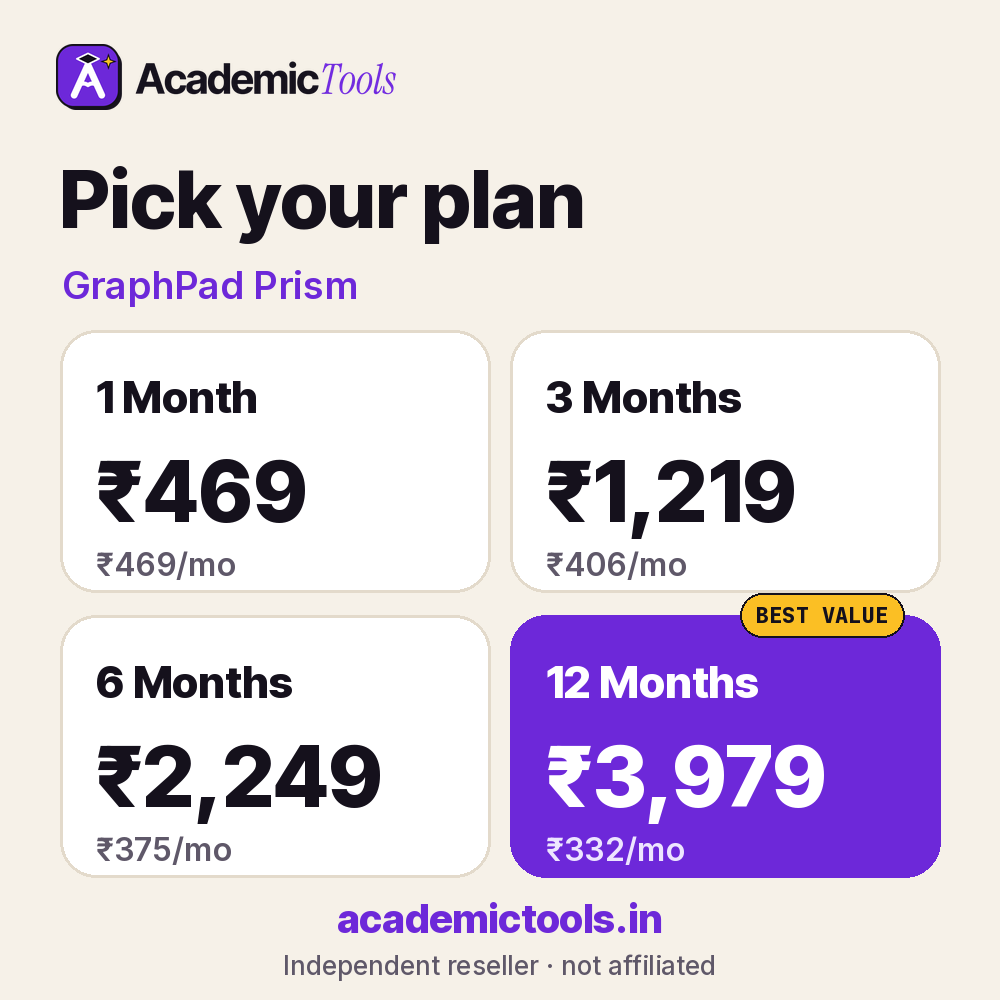
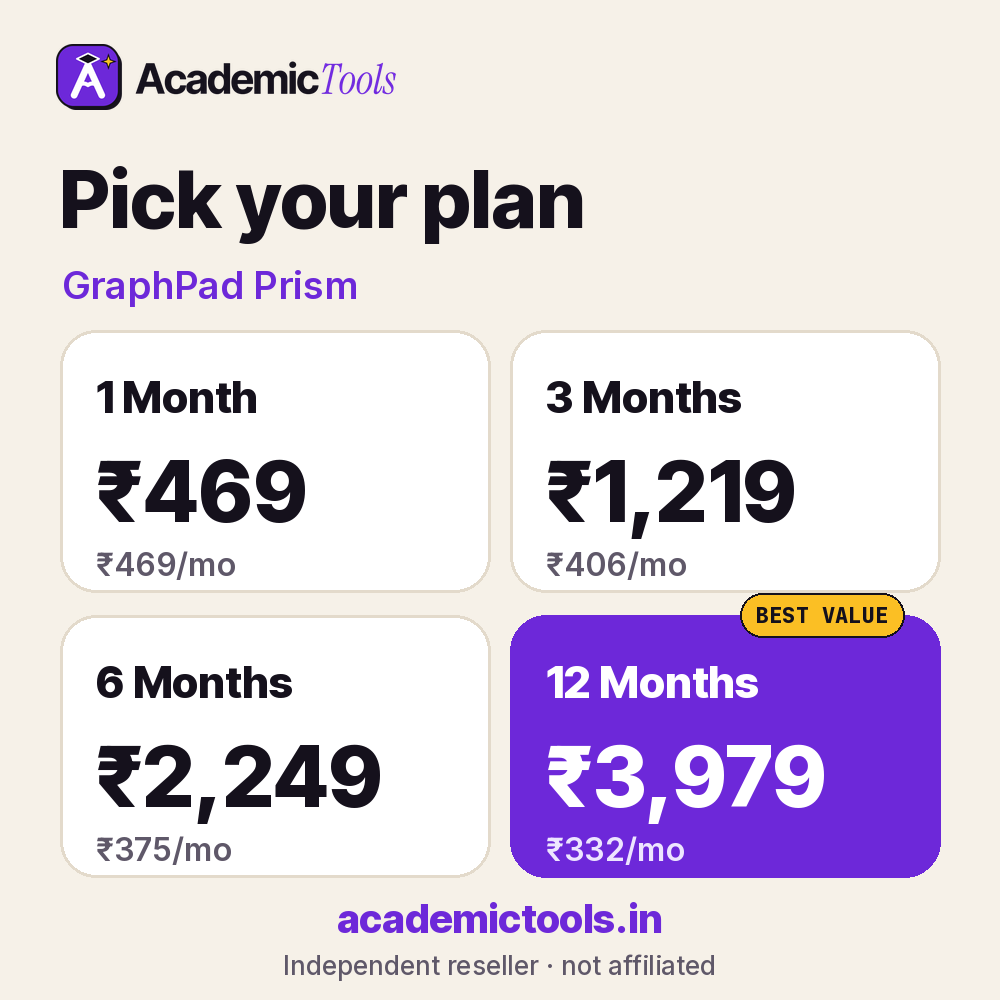
Pick the length that matches your semester. A GraphPad Prism cheap subscription for one month costs ₹469, while committing to a year brings it down to about ₹332 per month, 29% less than renewing every month.
| Plan | Price | Per month | You save |
|---|---|---|---|
| 1 Month | ₹469 | ₹469 | – |
| 3 Months | ₹1,219 | ₹406 | 13% |
| 6 Months | ₹2,249 | ₹375 | 20% |
| 12 Months | ₹3,979 | ₹332 | 29% |
Which GraphPad Prism cheap subscription plan should you pick? Choose 1 month (₹469) for one deadline, 3 months (₹1,219) for a term, 6 months (₹2,249) for a full semester with exams, or 12 months (₹3,979) if you will use GraphPad Prism all year.
How to start using GraphPad Prism
- Follow the install or activation note sent with your order.
- Import your dataset and check variable types and missing values.
- Run your planned analysis and export tables and charts for your report.
Tips to get more from GraphPad Prism
- Clean and label your data before analysis in GraphPad Prism; most errors start with messy variables.
- Save your GraphPad Prism syntax, scripts or project files so your supervisor can reproduce the results.
- Decide your tests from your research questions before running GraphPad Prism, not after looking at outputs.
Use it responsibly: Software runs the numbers, but choosing the right test and interpreting the results is your responsibility; check with your supervisor.
Students pick our GraphPad Prism cheap subscription because it avoids dollar billing and long contracts. You can start GraphPad Prism for one month, extend only if it helps, and message us on WhatsApp any time during the plan. A 24-hour refund applies if access fails.
Before you order the GraphPad Prism cheap subscription
- Check whether your college or library already gives you GraphPad Prism free; if it does, use that licence.
- Read the official features and limits below so you know what this GraphPad Prism cheap subscription includes.
- Order a day before an important deadline to leave time for setup.
What you get with your GraphPad Prism cheap subscription
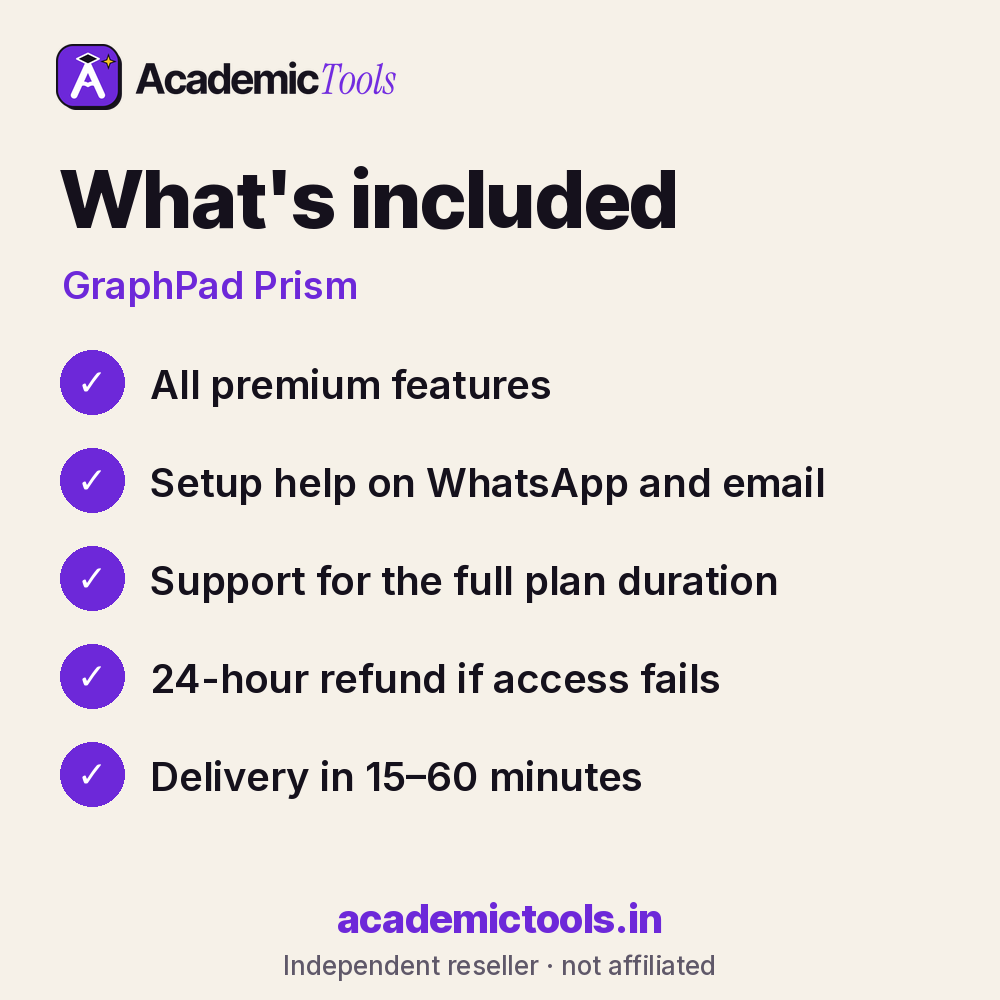
- GraphPad Prism access for 1, 3, 6 or 12 months, as chosen at checkout
- Delivery in 15–60 minutes between 9 AM and 9 PM IST after payment on app.academictools.in
- Setup help and support on WhatsApp for the full plan
- Refund within 24 hours if access does not work, as per our refund policy
Official features and limits
Prism is not designed for very large datasets or complex survey modelling; use SPSS or R for those. For full feature details, see the official GraphPad Prism website at graphpad.com.
GraphPad Prism FAQs
Can Prism do dose-response curves?
Yes, nonlinear regression is a core feature.
Does it explain which test to use?
Yes, it guides test selection based on your data table.
Can I export graphs for journals?
Yes, in high-resolution formats.
Is it available on Mac?
Yes, Windows and Mac.
Related tools
Browse more Statistics & Research Software tools, or compare the OriginPro and BioRender plans. New here? Read how ordering works.
Get your GraphPad Prism cheap subscription today: select a plan above, pay by UPI or card, and start using GraphPad Prism in 15–60 minutes. We are on WhatsApp if you need help.
AcademicTools is an independent reseller and is not affiliated with GraphPad Prism. Brand names and logos belong to their respective owners.
Additional information
| Plan | 1 Month, 3 Months, 6 Months, 12 Months |
|---|
Related products
-

Jenni AI Cheap Subscription – ₹2,889 per month
From ₹2,889 / monthGet instant access → This product has multiple variants. The options may be chosen on the product page -
Chegg Study Cheap Subscription – ₹629 per month
From ₹629 / monthGet instant access → This product has multiple variants. The options may be chosen on the product page -
Perplexity Pro Cheap Subscription – ₹789 per month
From ₹789 / monthGet instant access → This product has multiple variants. The options may be chosen on the product page -
Adobe Acrobat Pro Cheap Subscription – ₹429 per month
From ₹429 / monthGet instant access → This product has multiple variants. The options may be chosen on the product page




Reviews
There are no reviews yet.