 AcademicTools
Cursor Pro Cheap Subscription – ₹789 per month
From ₹789 / month
AI code editor with project-aware chat and multi-file edits. Plans from ₹789/month.
Choose your plan
You’ll complete payment securely on app.academictools.in
Description
Cursor Pro Cheap Subscription plans on AcademicTools start at ₹789 per month. Cursor is an AI-first code editor based on VS Code that understands your whole project and can edit several files at once. Developers and students use it to build projects faster and learn unfamiliar codebases.
Why students choose Cursor Pro
- Project-wide chat that reads your codebase
- Agent mode edits multiple files and runs commands
- Tab completion predicts your next edit
- Imports VS Code extensions, themes and keybindings
- Choice of advanced AI models
- Generates tests and refactors functions
Who the Cursor Pro cheap subscription is best for
Best for: Students building final-year projects, hackathon teams and developers working on larger codebases.
Cursor Pro plans and prices
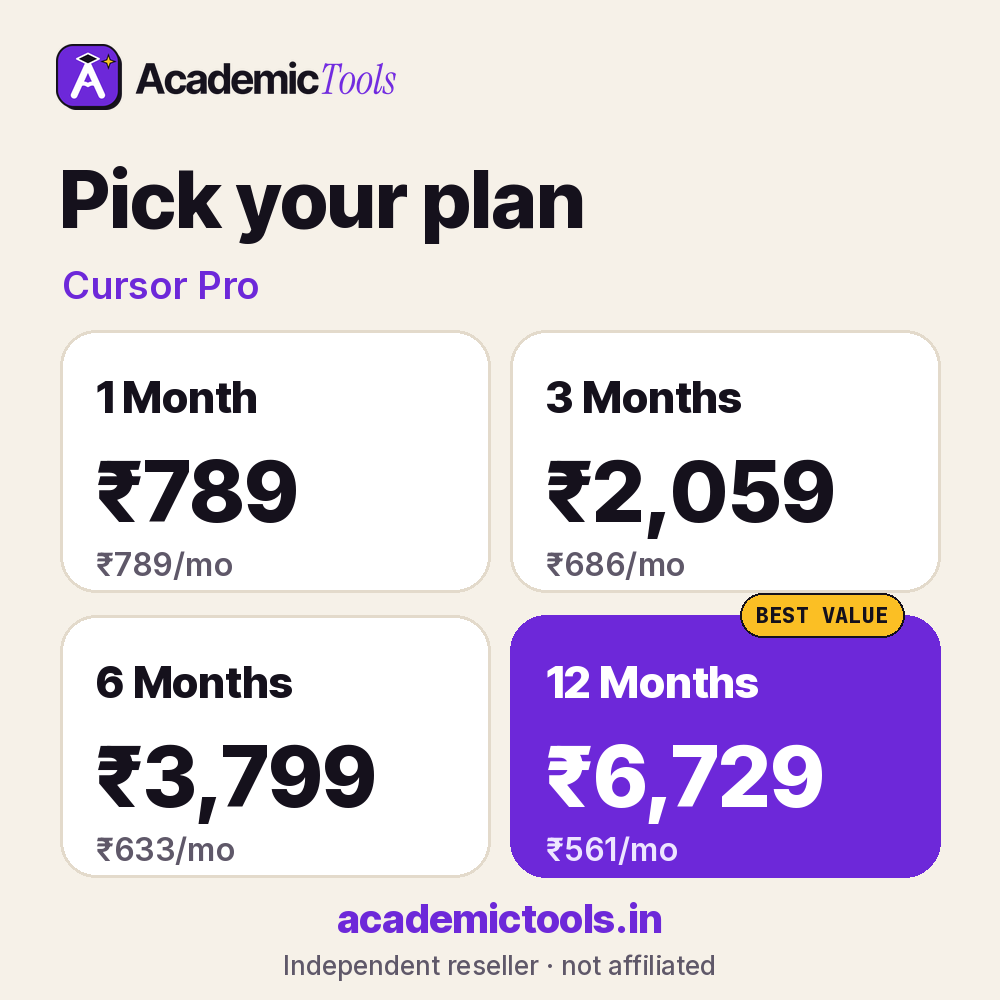
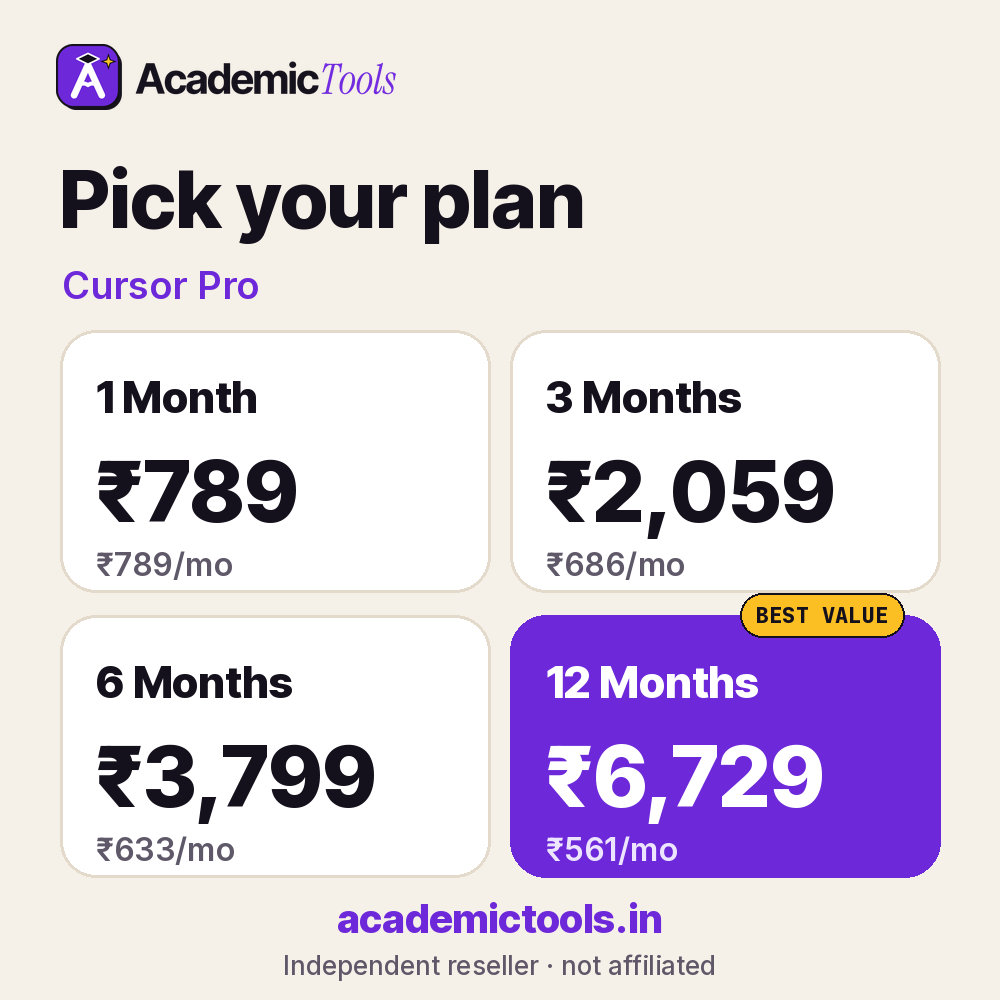
Monthly flexibility or the lowest per-month rate: you choose. Our Cursor Pro cheap subscription starts at ₹789 for a month, and the yearly option averages ₹561 per month, saving 29%.
| Plan | Price | Per month | You save |
|---|---|---|---|
| 1 Month | ₹789 | ₹789 | – |
| 3 Months | ₹2,059 | ₹686 | 13% |
| 6 Months | ₹3,799 | ₹633 | 20% |
| 12 Months | ₹6,729 | ₹561 | 29% |
Not sure how long you need Cursor Pro? Most students start with the one-month Cursor Pro cheap subscription at ₹789 and extend later; if you already know it is part of your routine, the 6-month (₹3,799) or 12-month (₹6,729) plan costs less per month.
How to start using Cursor Pro
- Sign in to Cursor Pro with the account details sent to you.
- Connect your editor, notebook or project as described in the setup note.
- Start with a small task to learn how the features behave.
Tips to get more from Cursor Pro
- Read and test everything Cursor Pro produces before committing it to your project.
- Use Cursor Pro to explain unfamiliar code, not only to write new code.
- Keep your course’s rules on AI-assisted code in mind when using Cursor Pro for graded work.
Use it responsibly: Generated code can contain bugs or security issues. You remain responsible for understanding and testing anything you submit.
Students pick our Cursor Pro cheap subscription because it avoids dollar billing and long contracts. You can start Cursor Pro for one month, extend only if it helps, and message us on WhatsApp any time during the plan. A 24-hour refund applies if access fails.
Before you order the Cursor Pro cheap subscription
- Check whether your college or library already gives you Cursor Pro free; if it does, use that licence.
- Read the official features and limits below so you know what this Cursor Pro cheap subscription includes.
- Order a day before an important deadline to leave time for setup.
What you get with your Cursor Pro cheap subscription
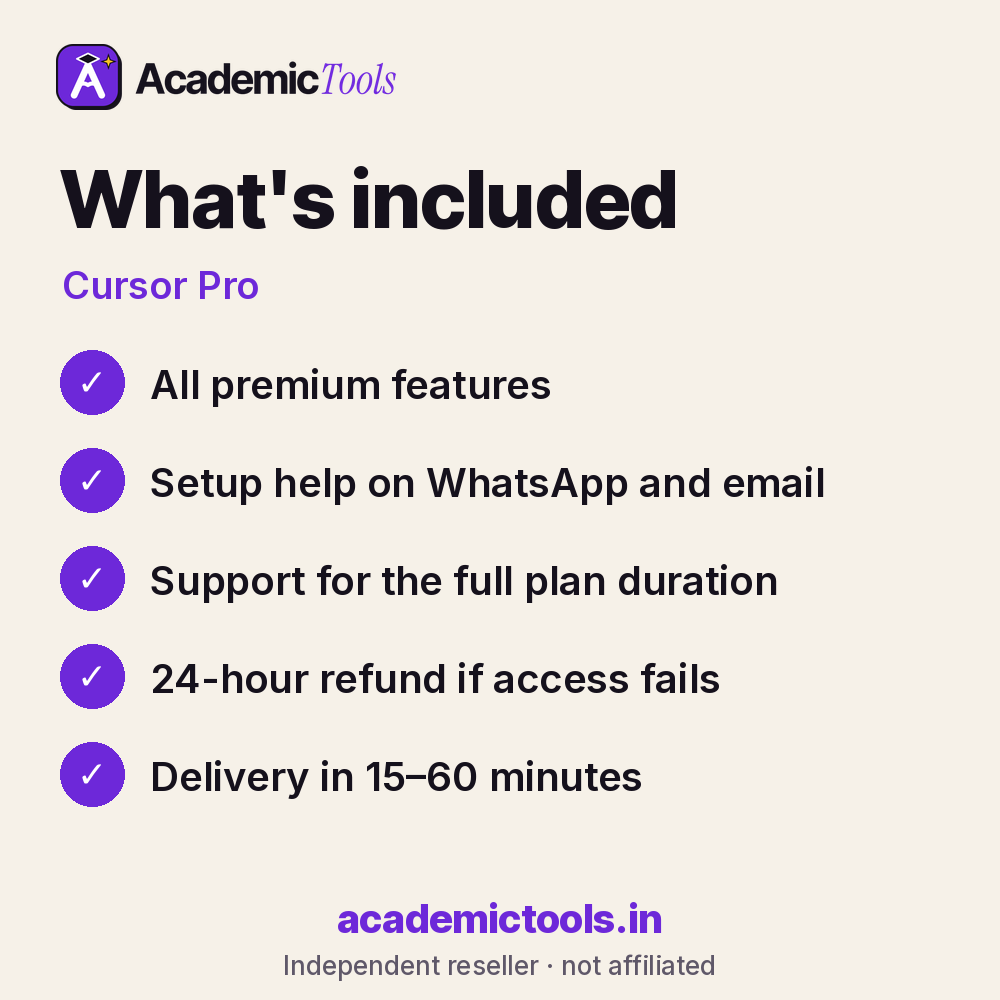
- Cursor Pro access for 1, 3, 6 or 12 months, as chosen at checkout
- Delivery in 15–60 minutes between 9 AM and 9 PM IST after payment on app.academictools.in
- Setup help and support on WhatsApp for the full plan
- Refund within 24 hours if access does not work, as per our refund policy
Official features and limits
Pro includes usage limits set by Cursor for premium models. Always review AI edits before committing. For full feature details, see the official Cursor Pro website at cursor.com.
Cursor Pro FAQs
Is Cursor like VS Code?
Yes, it is built on VS Code and can import your extensions and settings.
What does Pro add?
Higher limits on premium model requests and agent features.
Can it work with any language?
It supports all languages that VS Code supports.
Is my code private?
Cursor offers a privacy mode; check its settings for your project.
Related tools
Browse more Coding & Data tools, or compare the GitHub Copilot and Google Colab Pro plans. New here? Read how ordering works.
Get your Cursor Pro cheap subscription today: select a plan above, pay by UPI or card, and start using Cursor Pro in 15–60 minutes. We are on WhatsApp if you need help.
AcademicTools is an independent reseller and is not affiliated with Cursor Pro. Brand names and logos belong to their respective owners.
Additional information
| Plan | 1 Month, 3 Months, 6 Months, 12 Months |
|---|
Related products
-

Grammarly Plagiarism Checker Cheap Subscription – ₹1,189 per month
From ₹1,189 / monthGet instant access → This product has multiple variants. The options may be chosen on the product page -
Elicit Cheap Subscription – ₹439 per month
From ₹439 / monthGet instant access → This product has multiple variants. The options may be chosen on the product page -
Chegg Study Cheap Subscription – ₹629 per month
From ₹629 / monthGet instant access → This product has multiple variants. The options may be chosen on the product page -
Microsoft 365 Personal / Copilot Cheap Subscription – ₹309 per month
From ₹309 / monthGet instant access → This product has multiple variants. The options may be chosen on the product page

Reviews
There are no reviews yet.