 AcademicTools
Canva Pro Cheap Subscription – ₹219 per month
From ₹219 / month
Premium templates, background remover and Magic Studio AI for posters and slides. Plans from ₹219/month.
Description
Canva Pro Cheap Subscription plans on AcademicTools start at ₹219 per month. Canva Pro gives you premium templates, photos, brand kits and AI design tools for posters, presentations and social posts. Students and clubs use it to create good-looking designs quickly.
Why students choose Canva Pro
- Millions of premium photos, videos and graphics
- Background remover for photos
- Magic Resize to adapt one design to many formats
- Brand Kit saves your colours, fonts and logos
- Magic Studio AI tools for text, images and edits
- Presentation templates with recording and export to PowerPoint
Who the Canva Pro cheap subscription is best for
Best for: Students making posters, project slides, event graphics and CVs.
Canva Pro plans and prices
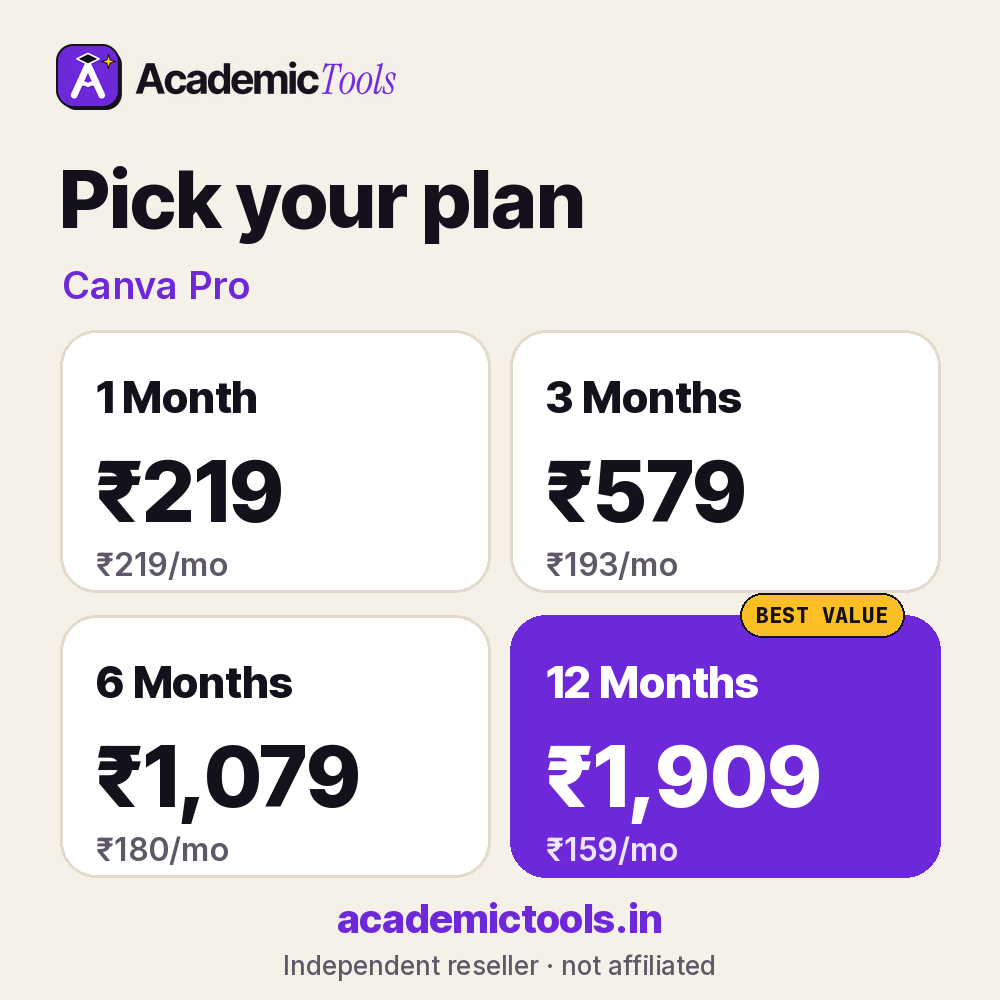
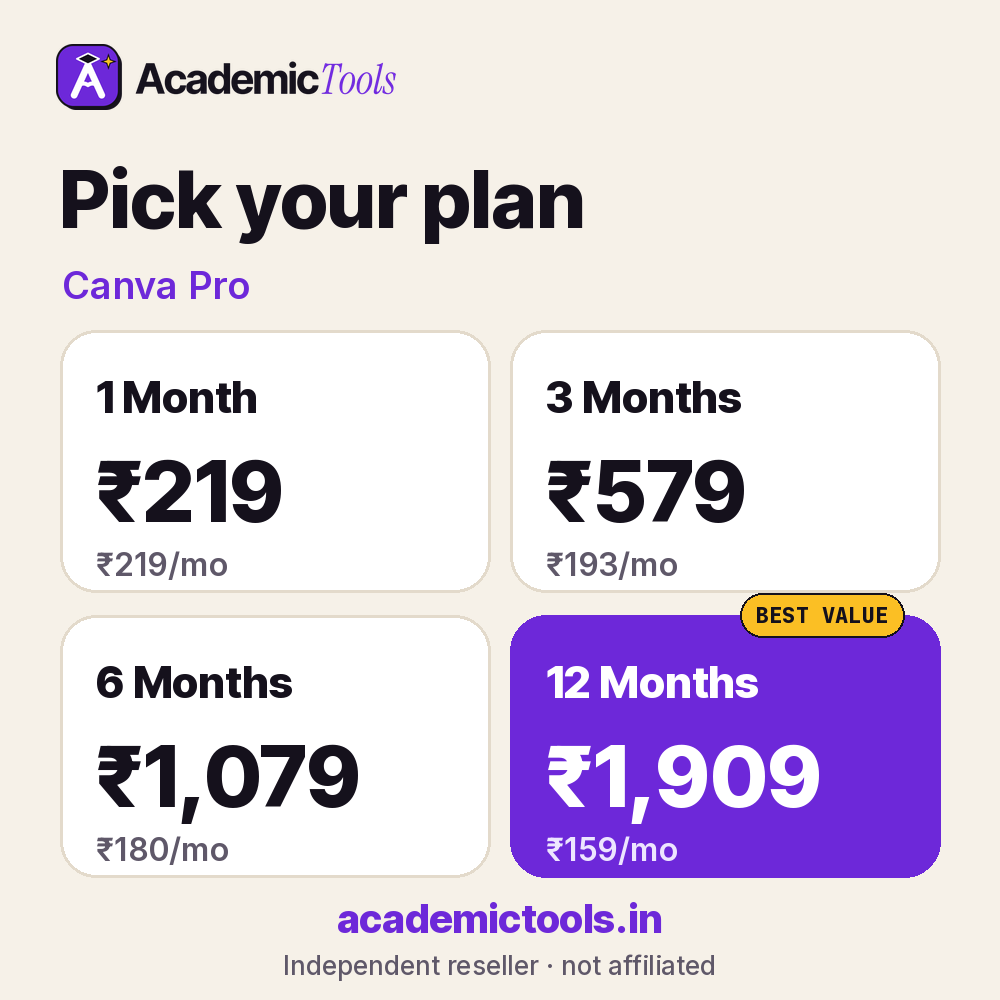
Monthly flexibility or the lowest per-month rate: you choose. Our Canva Pro cheap subscription starts at ₹219 for a month, and the yearly option averages ₹159 per month, saving 27%.
| Plan | Price | Per month | You save |
|---|---|---|---|
| 1 Month | ₹219 | ₹219 | – |
| 3 Months | ₹579 | ₹193 | 12% |
| 6 Months | ₹1,079 | ₹180 | 18% |
| 12 Months | ₹1,909 | ₹159 | 27% |
Not sure how long you need Canva Pro? Most students start with the one-month Canva Pro cheap subscription at ₹219 and extend later; if you already know it is part of your routine, the 6-month (₹1,079) or 12-month (₹1,909) plan costs less per month.
How to start using Canva Pro
- Sign in to Canva Pro on the web or app.
- Choose a template sized for your slide deck, poster or report.
- Replace placeholder text and images with your own content and export.
Tips to get more from Canva Pro
- Start from a clean Canva Pro template and limit yourself to two fonts and three colours.
- Use high-resolution images and check licences for anything you add in Canva Pro.
- Export your Canva Pro file as PDF for submission so the layout does not shift.
Use it responsibly: Templates speed up design, but the content and its sources must be your own and properly credited.
Buying a Canva Pro cheap subscription here means rupee pricing, no yearly lock-in and setup help from our team on WhatsApp. Your Canva Pro access arrives within an hour during working hours, and a 24-hour refund covers you if it does not work.
Before you order the Canva Pro cheap subscription
- Check whether your college or library already gives you Canva Pro free; if it does, use that licence.
- Read the official features and limits below so you know what this Canva Pro cheap subscription includes.
- Order a day before an important deadline to leave time for setup.
What you get with your Canva Pro cheap subscription
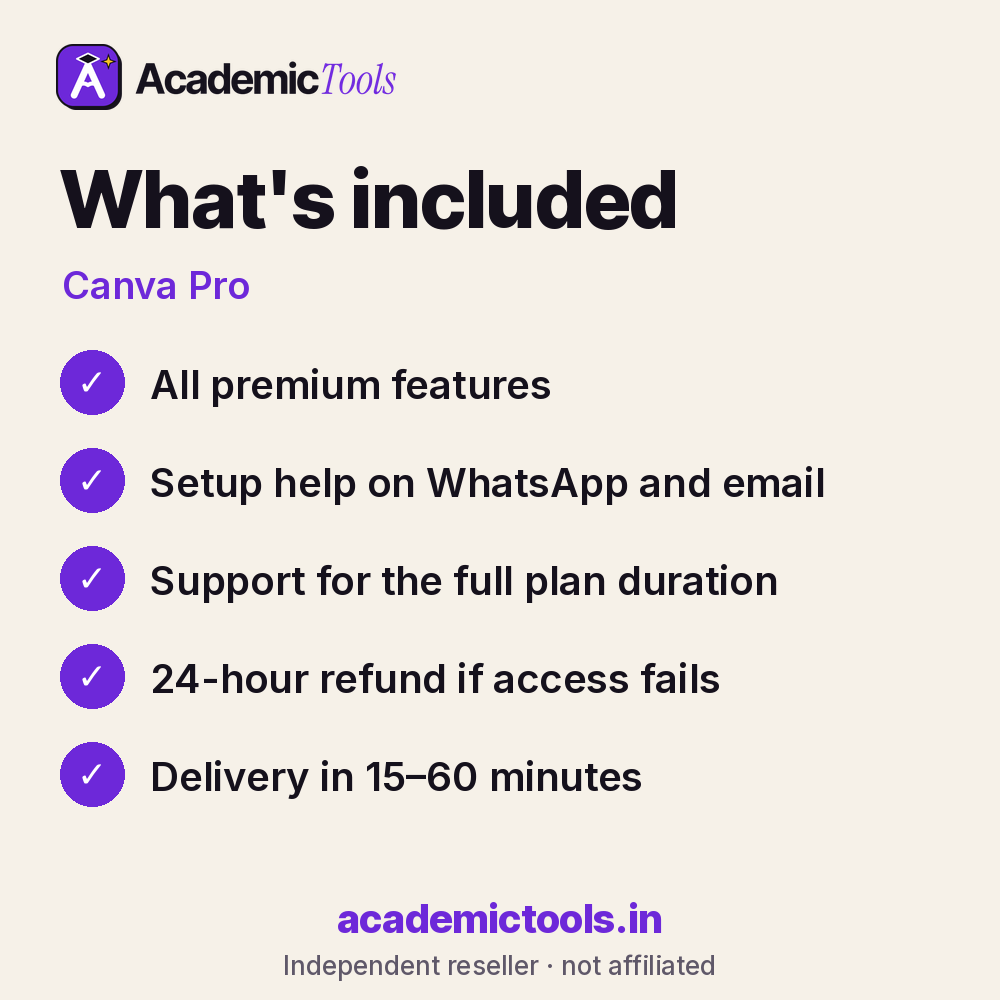
- Canva Pro access for 1, 3, 6 or 12 months, as chosen at checkout
- Delivery in 15–60 minutes between 9 AM and 9 PM IST after payment on app.academictools.in
- Setup help and support on WhatsApp for the full plan
- Refund within 24 hours if access does not work, as per our refund policy
Official features and limits
Licensing rules for premium elements still apply; read Canva's content licence before commercial use. For full feature details, see the official Canva Pro website at canva.com.
Canva Pro FAQs
Can I export to PowerPoint?
Yes, designs can be exported as PPTX.
Does it include the background remover?
Yes, on Canva Pro.
Can I use designs commercially?
Mostly yes, under Canva's licence terms.
Does it work on phones?
Yes, Canva has mobile apps.
Related tools
Browse more Design & Presentation tools, or compare the Gamma and BioRender plans. New here? Read how ordering works.
Get your Canva Pro cheap subscription today: select a plan above, pay by UPI or card, and start using Canva Pro in 15–60 minutes. We are on WhatsApp if you need help.
AcademicTools is an independent reseller and is not affiliated with Canva Pro. Brand names and logos belong to their respective owners.
Additional information
| Plan | 1 Month, 3 Months, 6 Months, 12 Months |
|---|
Related products
-

Wolfram|Alpha Pro Cheap Subscription – ₹399 per month
From ₹399 / monthGet instant access → This product has multiple variants. The options may be chosen on the product page -
Paperpal Cheap Subscription – ₹989 per month
From ₹989 / monthGet instant access → This product has multiple variants. The options may be chosen on the product page -
Grammarly Plagiarism Checker Cheap Subscription – ₹1,189 per month
From ₹1,189 / monthGet instant access → This product has multiple variants. The options may be chosen on the product page -
Copyleaks Cheap Subscription – ₹669 per month
From ₹669 / monthGet instant access → This product has multiple variants. The options may be chosen on the product page
Reviews
There are no reviews yet.