 AcademicTools
Microsoft 365 Personal / Copilot Cheap Subscription – ₹309 per month
From ₹309 / month
Word, Excel, PowerPoint with Copilot and 1 TB OneDrive for assignments, data and slides. Plans from ₹309/month.
Description
Microsoft 365 Cheap Subscription plans on AcademicTools start at ₹309 per month. Microsoft 365 Personal gives you the full desktop versions of Word, Excel and PowerPoint plus 1 TB of OneDrive storage, with Copilot AI built in. It covers the everyday software every student and professional needs for assignments, spreadsheets and presentations.
Why students choose Microsoft 365 Personal / Copilot
- Full desktop Word, Excel, PowerPoint and Outlook on Windows and Mac
- 1 TB OneDrive cloud storage with file recovery
- Copilot drafts documents, summarises long files and suggests Excel formulas
- Designer creates slide layouts from your content
- Works on phones and tablets with the same files
- Regular feature and security updates included
Who the Microsoft 365 cheap subscription is best for
Best for: Students and professionals who need reliable Office apps and cloud backup for coursework, theses and reports.
Microsoft 365 Personal / Copilot plans and prices
Short deadline? The one-month Microsoft 365 cheap subscription covers a single assignment or exam season at ₹309. Longer plans lower the monthly cost: the 12-month plan works out to ₹220 a month, a saving of 29% over paying monthly.
| Plan | Price | Per month | You save |
|---|---|---|---|
| 1 Month | ₹309 | ₹309 | – |
| 3 Months | ₹809 | ₹270 | 13% |
| 6 Months | ₹1,489 | ₹248 | 20% |
| 12 Months | ₹2,639 | ₹220 | 29% |
Not sure how long you need Microsoft 365 Personal / Copilot? Most students start with the one-month Microsoft 365 cheap subscription at ₹309 and extend later; if you already know it is part of your routine, the 6-month (₹1,489) or 12-month (₹2,639) plan costs less per month.
How to start using Microsoft 365 Personal / Copilot
- Install the Microsoft 365 Personal / Copilot browser extension or open the web editor.
- Paste or open a draft and set your goal, such as academic tone or British English.
- Work through the suggestions one by one and accept only those that keep your meaning.
Tips to get more from Microsoft 365 Personal / Copilot
- Run Microsoft 365 Personal / Copilot on your final draft after the content is settled, so you are polishing wording rather than rewriting ideas.
- Keep a short list of the mistakes Microsoft 365 Personal / Copilot flags most often for you; reviewing it before you write saves time.
- Use the tone and clarity hints in Microsoft 365 Personal / Copilot for emails to supervisors and recruiters, not just essays.
Use it responsibly: A grammar assistant improves how you express your ideas; the ideas, the research and the citations must still be your own.
Why buy a Microsoft 365 cheap subscription from AcademicTools? You pay in rupees, choose a plan as short as one month, and get a real person on WhatsApp if Microsoft 365 Personal / Copilot does not work as expected. If access fails and we cannot fix it, the 24-hour refund applies.
Before you order the Microsoft 365 cheap subscription
- Check whether your college or library already gives you Microsoft 365 Personal / Copilot free; if it does, use that licence.
- Read the official features and limits below so you know what this Microsoft 365 cheap subscription includes.
- Order a day before an important deadline to leave time for setup.
What you get with your Microsoft 365 cheap subscription
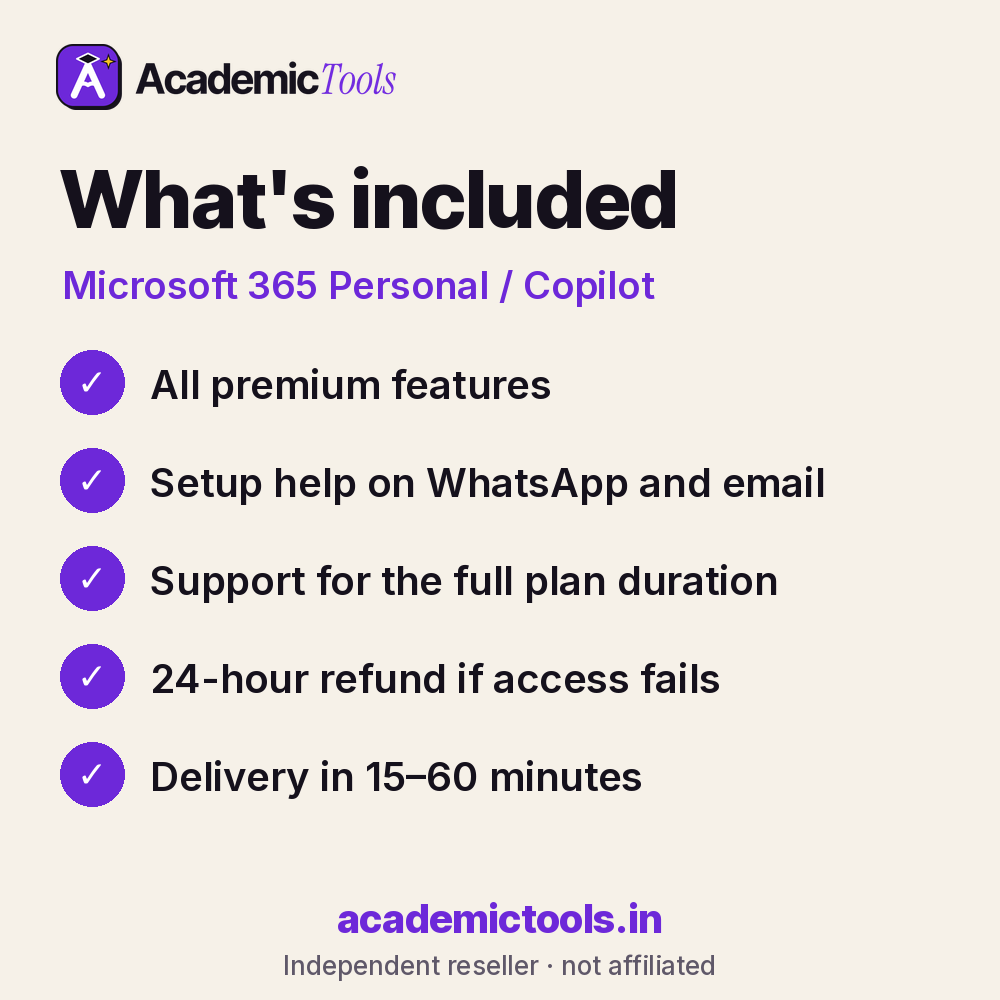
- Microsoft 365 Personal / Copilot access for 1, 3, 6 or 12 months, as chosen at checkout
- Delivery in 15–60 minutes between 9 AM and 9 PM IST after payment on app.academictools.in
- Setup help and support on WhatsApp for the full plan
- Refund within 24 hours if access does not work, as per our refund policy
Official features and limits
Personal plans are for one person. Copilot features and monthly AI credits are set by Microsoft and can change by region. For full feature details, see the official Microsoft 365 Personal / Copilot website at microsoft.com.
Microsoft 365 Personal / Copilot FAQs
Does it include desktop apps?
Yes, you get the installable Word, Excel, PowerPoint and Outlook apps, not only the web versions.
How much storage do I get?
1 TB of OneDrive storage for the account.
What can Copilot do in Word?
Draft from a prompt, summarise a document, rewrite sections and answer questions about the file.
Can I use it on my phone?
Yes, the mobile apps work with the same subscription.
Related tools
Browse more Writing & Grammar tools, or compare the Canva Pro and Adobe Acrobat Pro plans. New here? Read how ordering works.
Get your Microsoft 365 cheap subscription today: select a plan above, pay by UPI or card, and start using Microsoft 365 Personal / Copilot in 15–60 minutes. We are on WhatsApp if you need help.
AcademicTools is an independent reseller and is not affiliated with Microsoft 365 Personal / Copilot. Brand names and logos belong to their respective owners.
Additional information
| Plan | 1 Month, 3 Months, 6 Months, 12 Months |
|---|
Related products
-
Wolfram|Alpha Pro Cheap Subscription – ₹399 per month
From ₹399 / monthBuy now This product has multiple variants. The options may be chosen on the product page -
Symbolab Pro Cheap Subscription – ₹389 per month
From ₹389 / monthBuy now This product has multiple variants. The options may be chosen on the product page -
Scribd / Everand Cheap Subscription – ₹469 per month
From ₹469 / monthBuy now This product has multiple variants. The options may be chosen on the product page -
Elicit Cheap Subscription – ₹439 per month
From ₹439 / monthBuy now This product has multiple variants. The options may be chosen on the product page
Reviews
There are no reviews yet.